How to make a baby photo strip on your phone
Short answer
Open your baby’s album in Kins, tap "Make a photo strip", pick four photos and a frame, then save the strip to your library or share it.
Steps
- Make an album for the baby (for example "Mia’s first year") and keep it "Invited only".
- Invite family with the link, so everyone’s baby photos land in the same album.
- Tap the photo-strip icon at the top right of the album and pick four photos, in the order you want them.
- Choose a Strip or Grid frame, then tap "Save to library" or "Share".
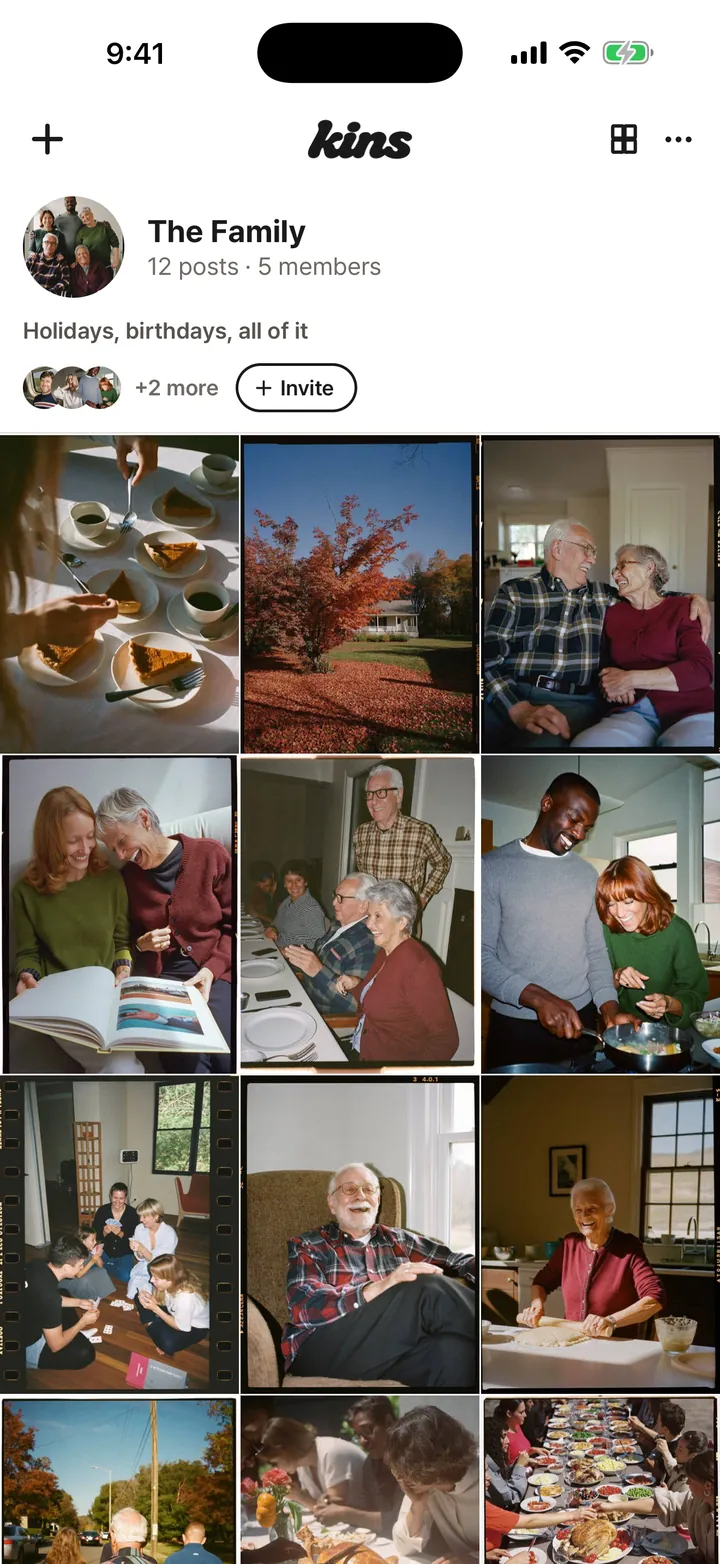

Ideas for a baby photo strip
- Month by month: one photo each from months 1, 2, 3 and 4.
- One day, four phones: the same afternoon as four family members saw it.
- An announcement strip for friends who aren’t in the album.
Good to know
- A strip needs exactly four photos. Videos can’t go in a strip.
- "Invited only" albums are visible only to the people you invite and never show up in search.
- Add a 6-digit entry PIN and even someone with the invite link needs the number to join.
FAQ
Can I use photos my partner or parents took?
Yes. Any photo in the album can go in the strip, whoever posted it.
Are the frames free?
Yes. Every frame there is today is free.
Who can see our baby’s photos?
In an "Invited only" album, only invited members. We never sell your photos or use them to train AI.
Start with one link today. It’s free.